
THE SEARCH RESULTS YOU CHOOSE
Your search.
Your rules.
Hide search results from .ru, .рф and other domains you choose — on Google, Bing and DuckDuckGo.
Keep the sources you want to see.
Excluded domain
Hidden links can be revealed when needed.
INSTALL NORU
One device. One clear path.
Choose your device, then how you want to install NoRu. Everything happens in one place.
Choose your device
How would you like to install?
Choose your browser
Manual installation for your device
Not every file works on every platform. Only compatible options are shown here.
We recommend official browser stores when available: they provide signed packages and automatic updates. Manually installed versions require more setup.
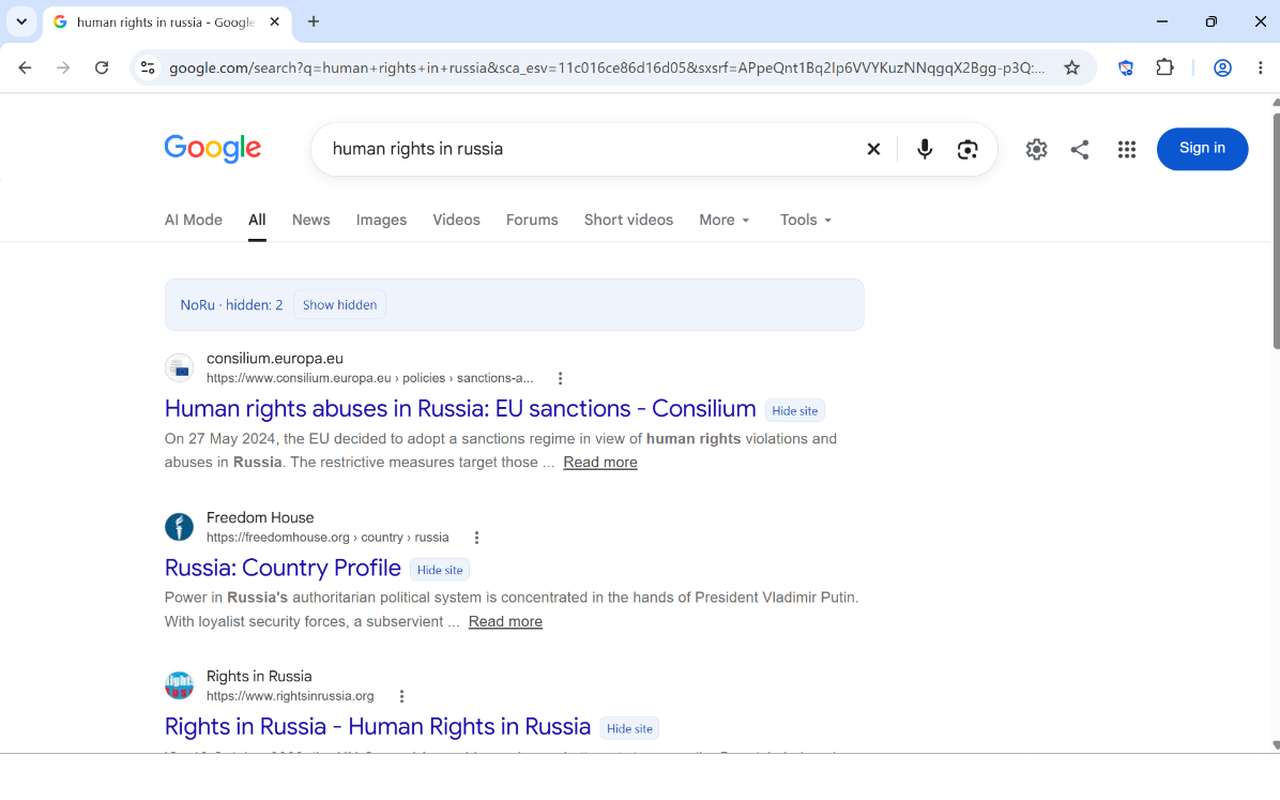
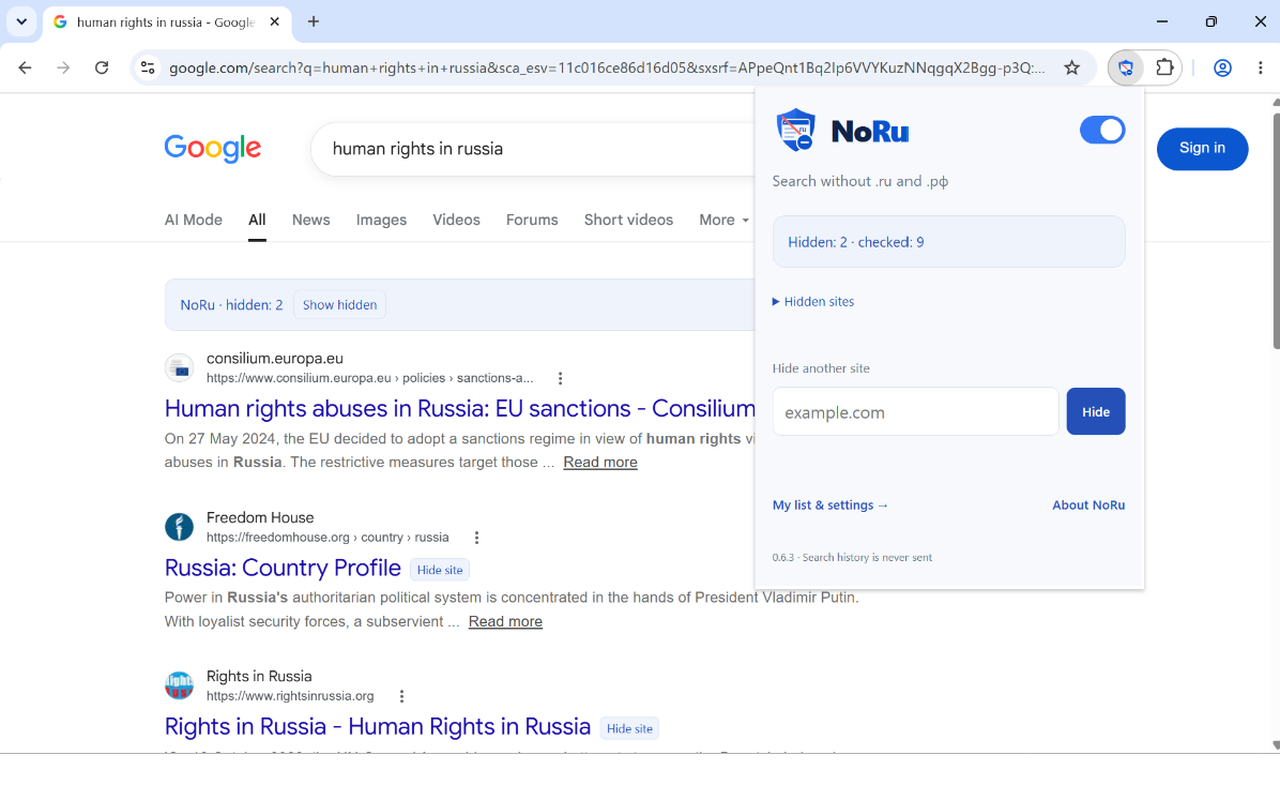
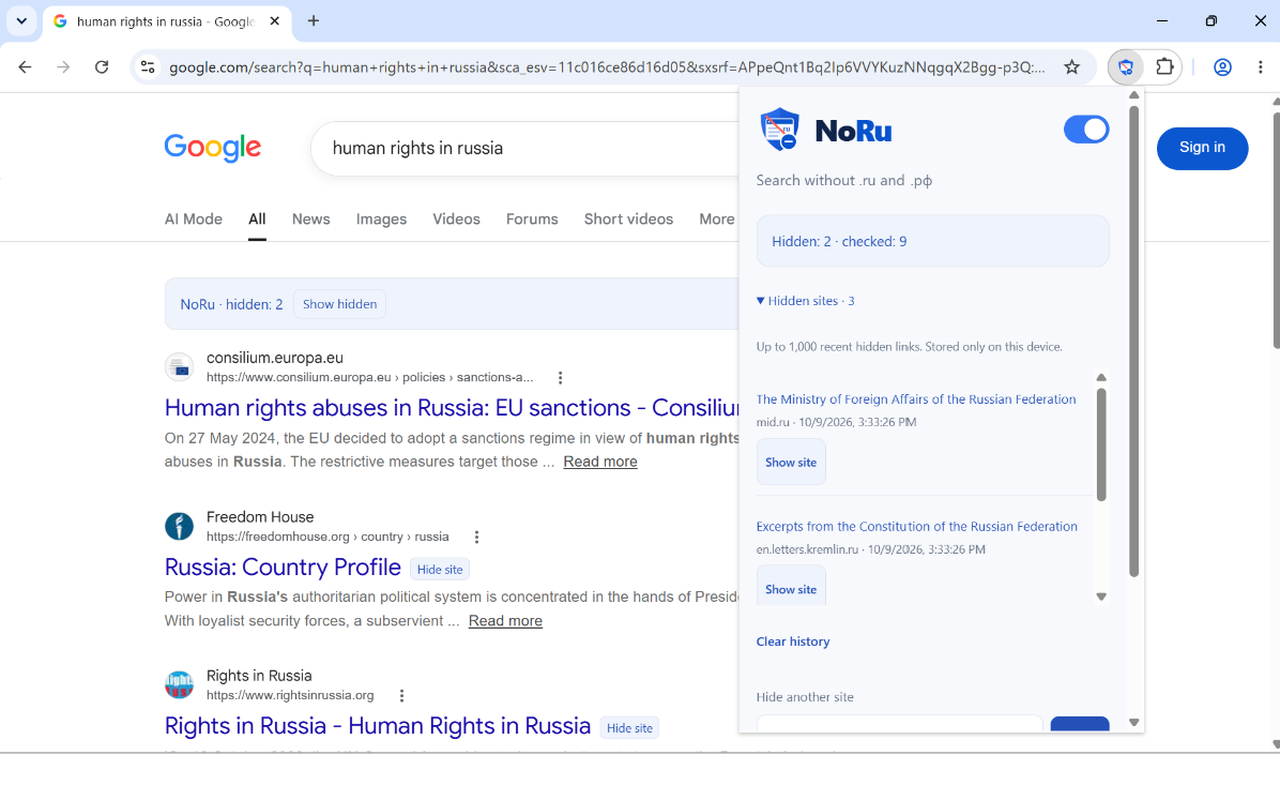
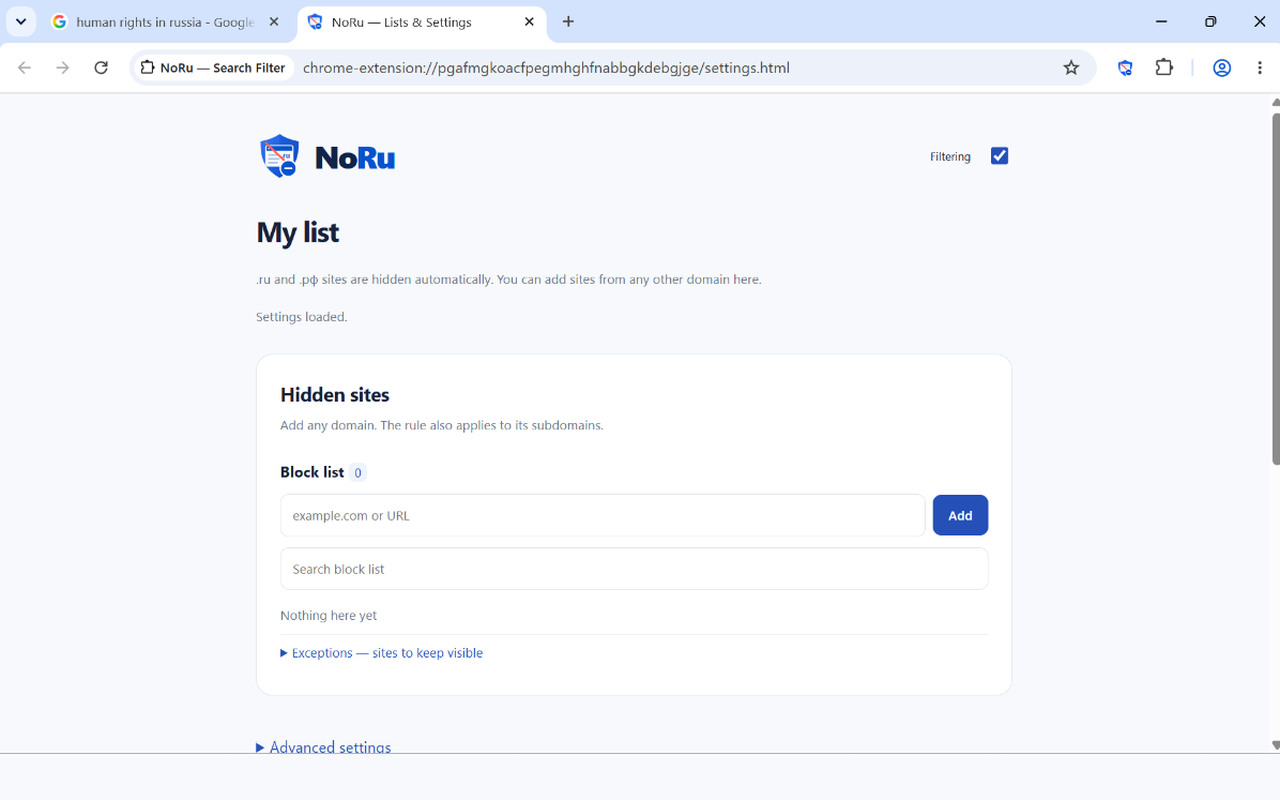
SEE NORU IN ACTION
A clearer way to search.
Real screenshots from NoRu running in Chrome on Windows. The interface may vary slightly by browser.
GOOD TO KNOW
Questions, answered.
Is NoRu available for Opera?
NoRu has been submitted to Opera Add-ons and is awaiting review. Its store installation remains unavailable until approval.
Can I install NoRu in Chrome on Android?
Standard Chrome for Android cannot install Chrome Web Store extensions. Firefox for Android is the recommended option. Quetta is an experimental option, and NoRu has not yet been verified there.
Can I install from a downloaded file?
Yes, select Download files in the installer. The correct file depends on your device: a desktop Chromium ZIP or a userscript for Safari or Android Firefox. The ZIP is not an Android APK or a standalone application.
Does NoRu block websites?
No. It filters matching results on supported search engines. You can still visit sites directly or reveal hidden results.